Motivational Video Generator
Desktop Tool for Automated Vertical Video Creation
Overview
A custom-built desktop application that automatically generates polished, vertical motivational videos using user-provided quotes and background footage. Designed with a full PyQt5 interface, the tool handles text rendering, multi-segment quote timing, background video resizing/cropping, overlay styling, and batch exporting — all running asynchronously through a threaded rendering pipeline.
Goals
- Create a tool to rapidly generate motivational videos for social media
- Design a user-friendly desktop UI with intuitive controls
- Automate text formatting, timing, and visual layout
- Implement a threaded background-rendering system
- Ensure compatibility with background videos and mixed durations
- Allow batch processing of hundreds of quotes in a single run
Problem
Creating vertical motivational videos manually is slow — involving After Effects, manual text formatting, timing adjustments, and rendering. This tool eliminates the repetitive work by automating the entire pipeline from text input to final rendered output.
Links
Tech Stack
Responsibilities
- UI/UX design in PyQt
- Threaded rendering system using QThread
- Text rendering and multi-line wrapping logic
- Vertical video layout and compositing
- Background video handling (looping, resizing, cropping)
- Progress tracking and logging interface
- Optional user authentication flow (API + MongoDB)
- Project packaging and deployment
Timeline
1 Week
Deliverables
6
PyQt Interface & UX
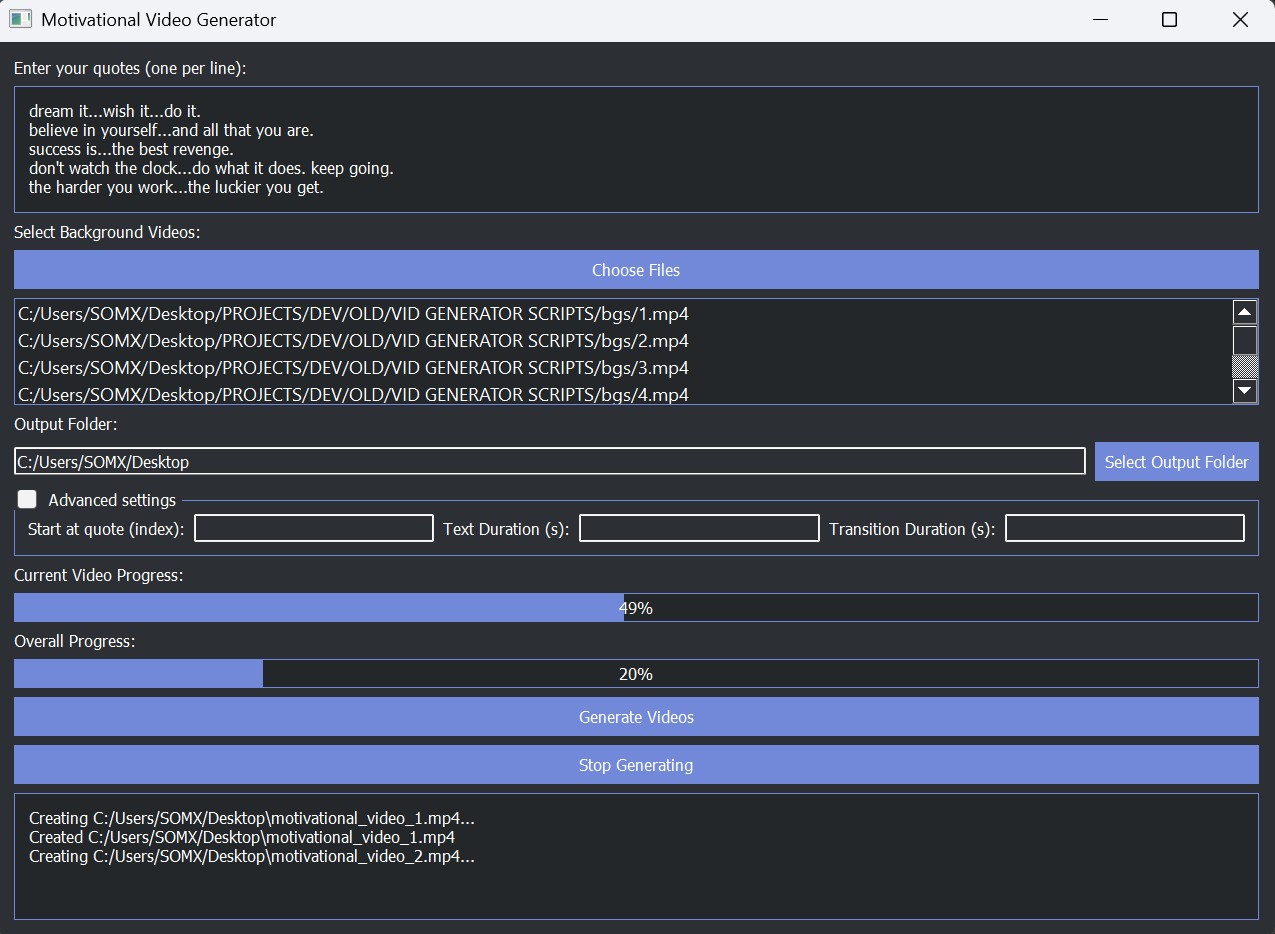
The application is built around a clean, dark-themed PyQt5 interface. Users can paste multiple quotes, select background videos, choose their output folder, adjust advanced render settings, and monitor progress in real-time via a console and dual progress bars. The UI is organized into intuitive sections with collapsible advanced settings and a consistent visual hierarchy.
Text Rendering & Multi-Segment Quotes
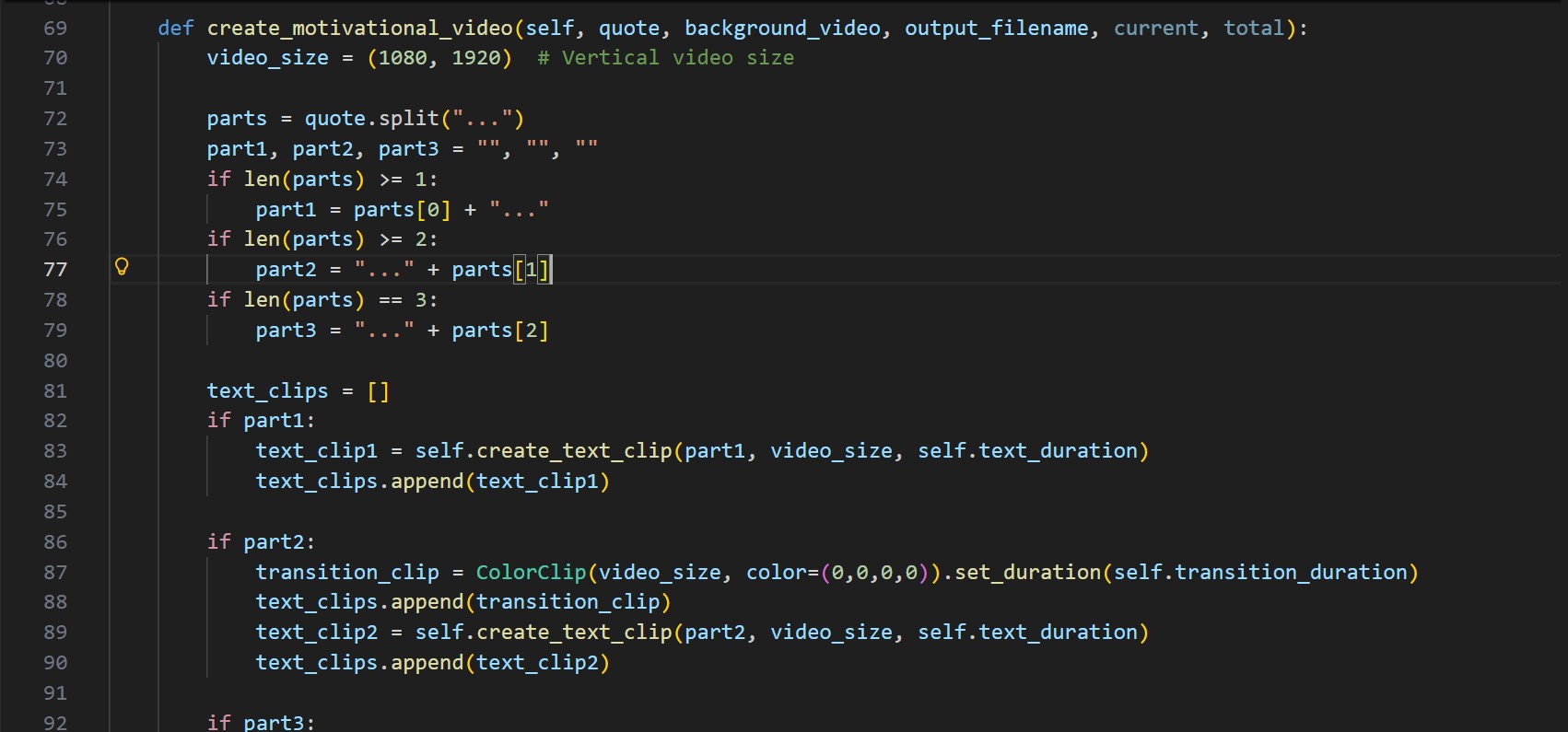
Quotes can contain up to three segments separated by '...'. The app automatically splits, wraps, and centers each segment on screen, generating separate timed text clips using Pillow. This allows cinematic pacing, multi-stage emphasis, and smooth transitions without manual editing.
Background Video Processing
The engine handles arbitrary background video sources: MP4s, AVIs, short clips, long clips, vertical, horizontal — anything. Videos are automatically looped if too short, resized to a vertical 1080×1920 frame, and center-cropped for perfect framing. A semi-transparent overlay is applied to enhance text readability.
Threaded Rendering Engine
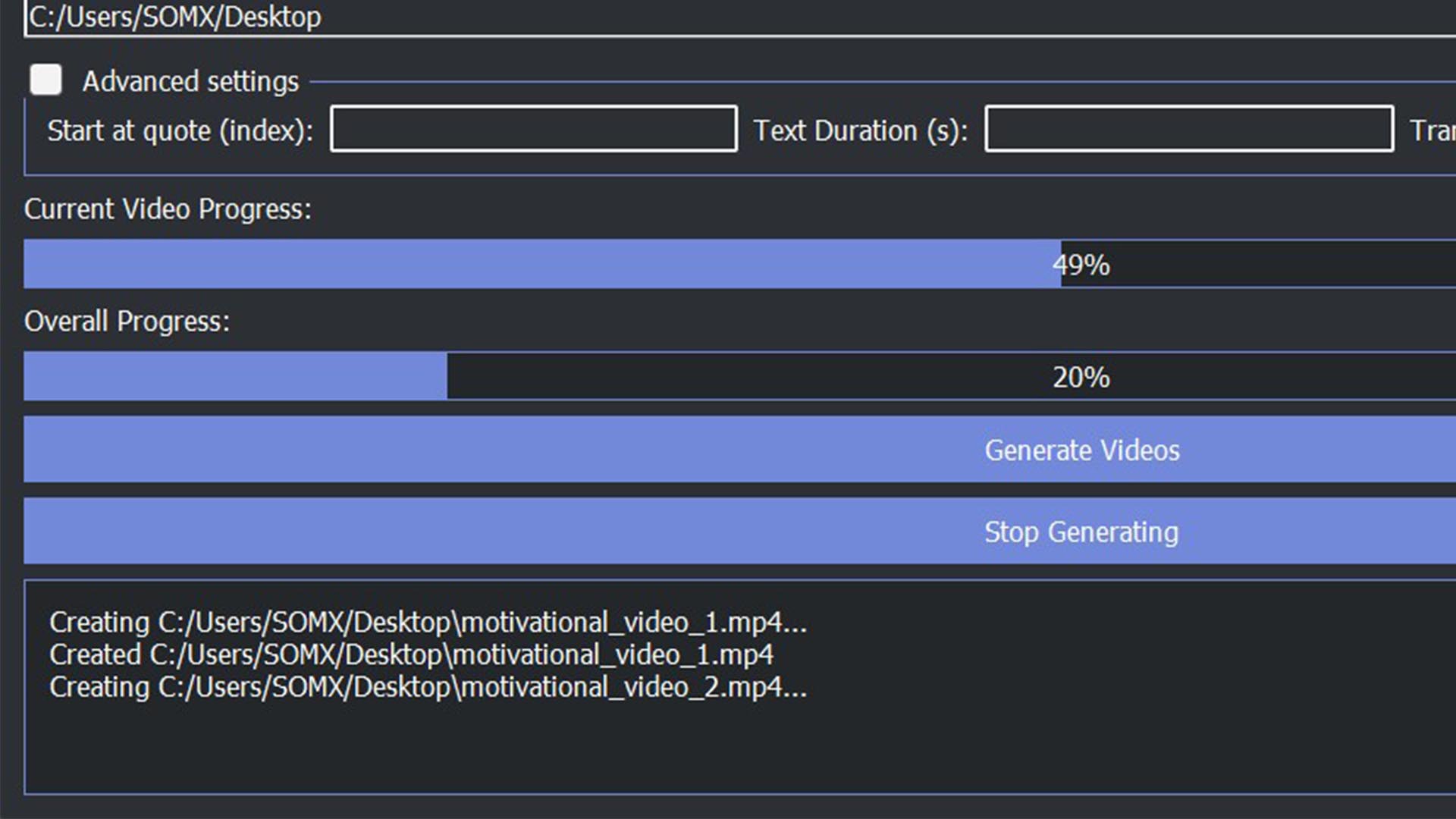
Rendering is handled in a dedicated QThread to prevent GUI freezes. The thread manages the full MoviePy pipeline — building composite clips, generating frames, tracking progress, and writing to disk. Live progress signals update the interface with per-video and batch-level percentages.

Optional Login & User Authentication
The application includes an optional login system using a REST endpoint and MongoDB-backed user database. Before reaching the main interface, users can authenticate through a custom PyQt login dialog. This allows the tool to be distributed privately or gated for specific teams.
Batch Video Generation Workflow
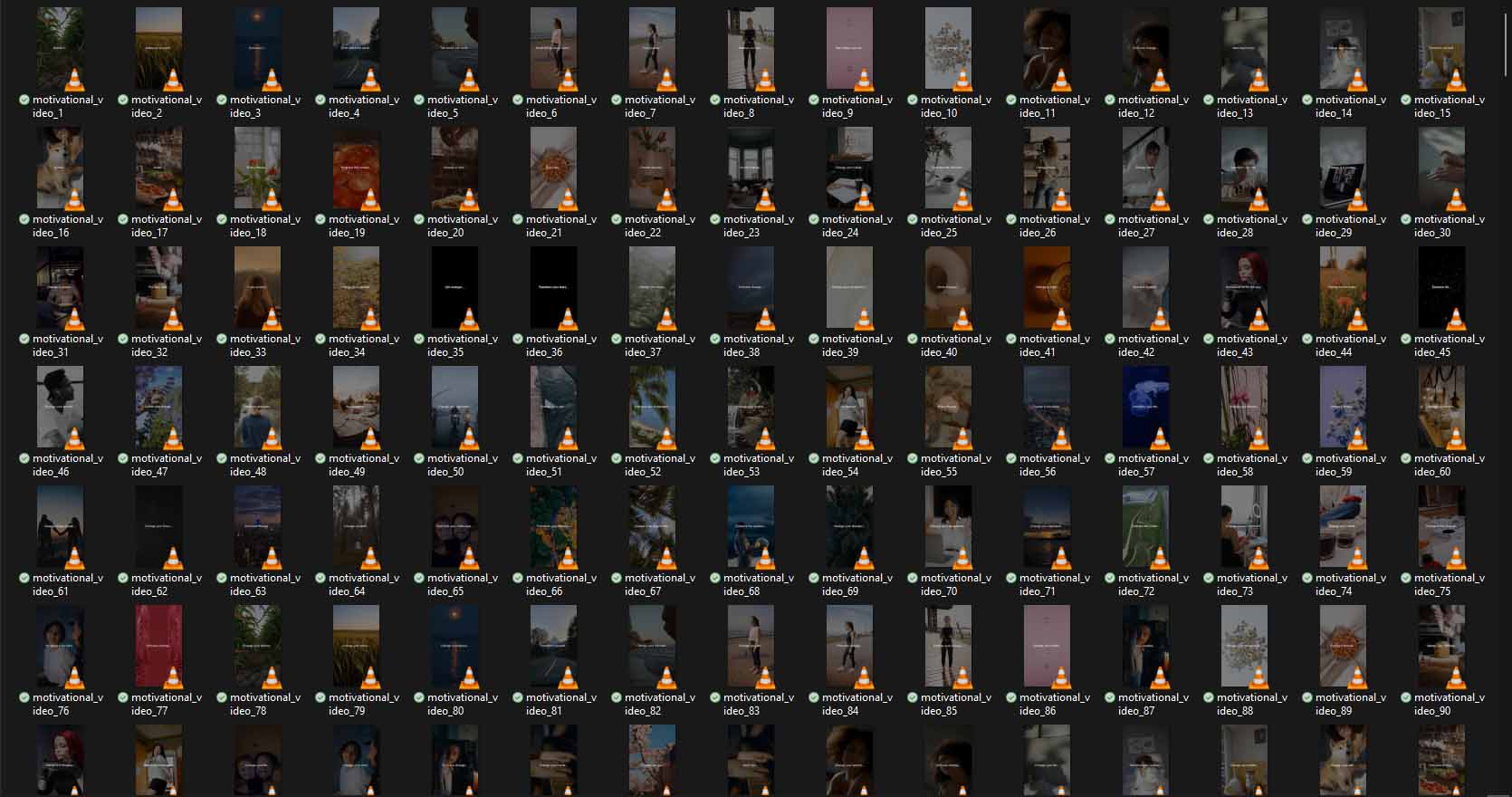
Users can generate dozens or even hundreds of videos in one session. The system cycles through every quote, pairs it with a corresponding background clip, builds the text segments, applies transitions, and renders each final MP4 file. All results are saved into the chosen output directory with a clean naming structure.
Results & Impact
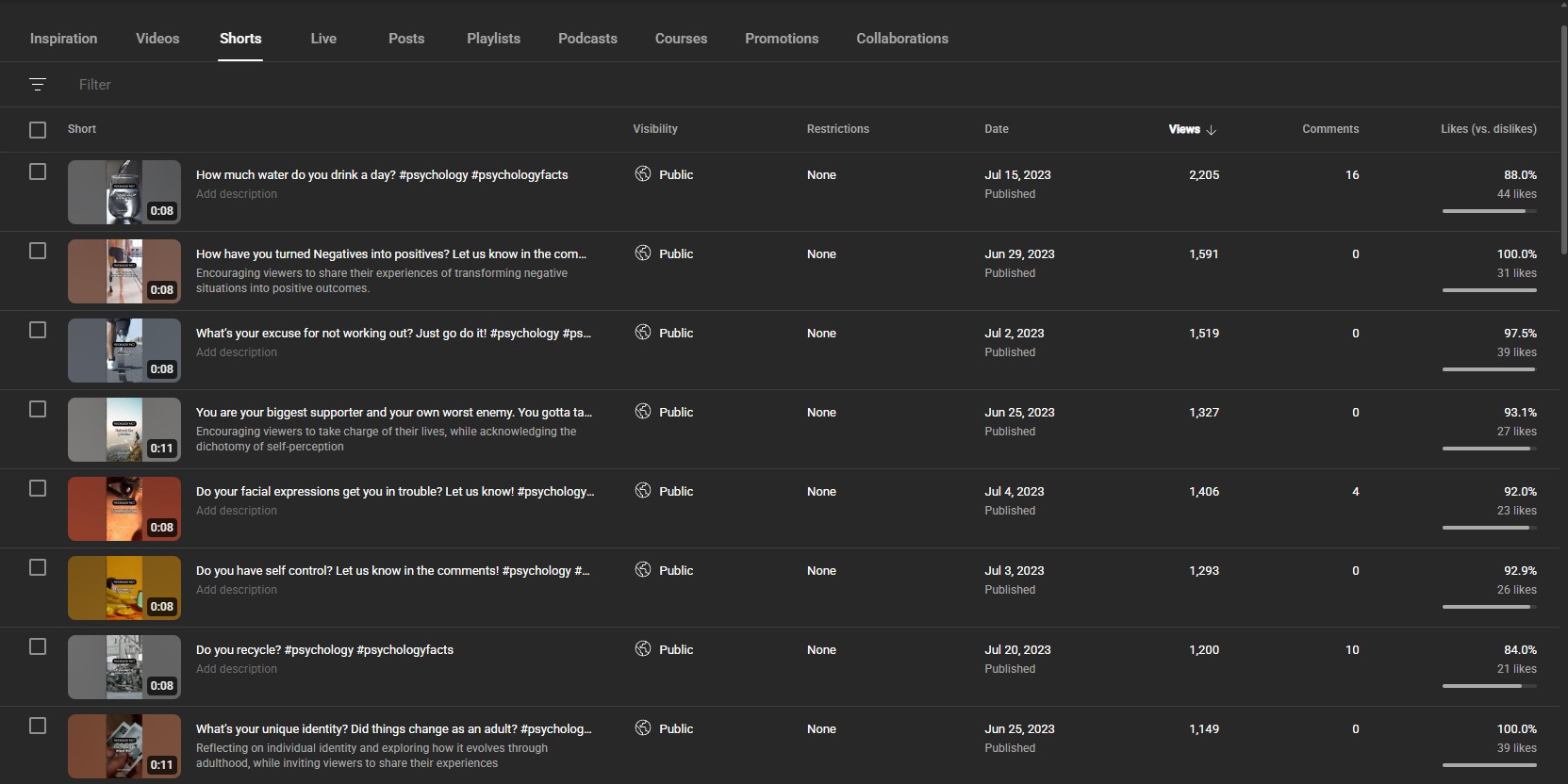
The tool massively accelerates the production of social-media-ready motivational content. What used to take hours in After Effects can now be generated in minutes — with consistent typography, transitions, and framing. It’s fast, repeatable, and perfect for scaling short-form content creation.
Media Gallery
Builder Notes
Full PyQt5 application written from scratch
Full PyQt5 application written from scratch
Supports batch generation of unlimited videos
Supports batch generation of unlimited videos
Three-stage quote timing via custom '...' splitting
Three-stage quote timing via custom '...' splitting
Handles any background footage and auto-crops to vertical
Handles any background footage and auto-crops to vertical
Semi-transparent overlay improves text readability
Semi-transparent overlay improves text readability
Runs rendering in a dedicated thread for smooth UX
Runs rendering in a dedicated thread for smooth UX
Optional REST-based authentication system
Optional REST-based authentication system
Built for internal use but can be packaged for clients
Built for internal use but can be packaged for clients