Flamingo FLM Burn Video Generator
On-Chain Powered Remotion Renderer for Burn Stats
Overview
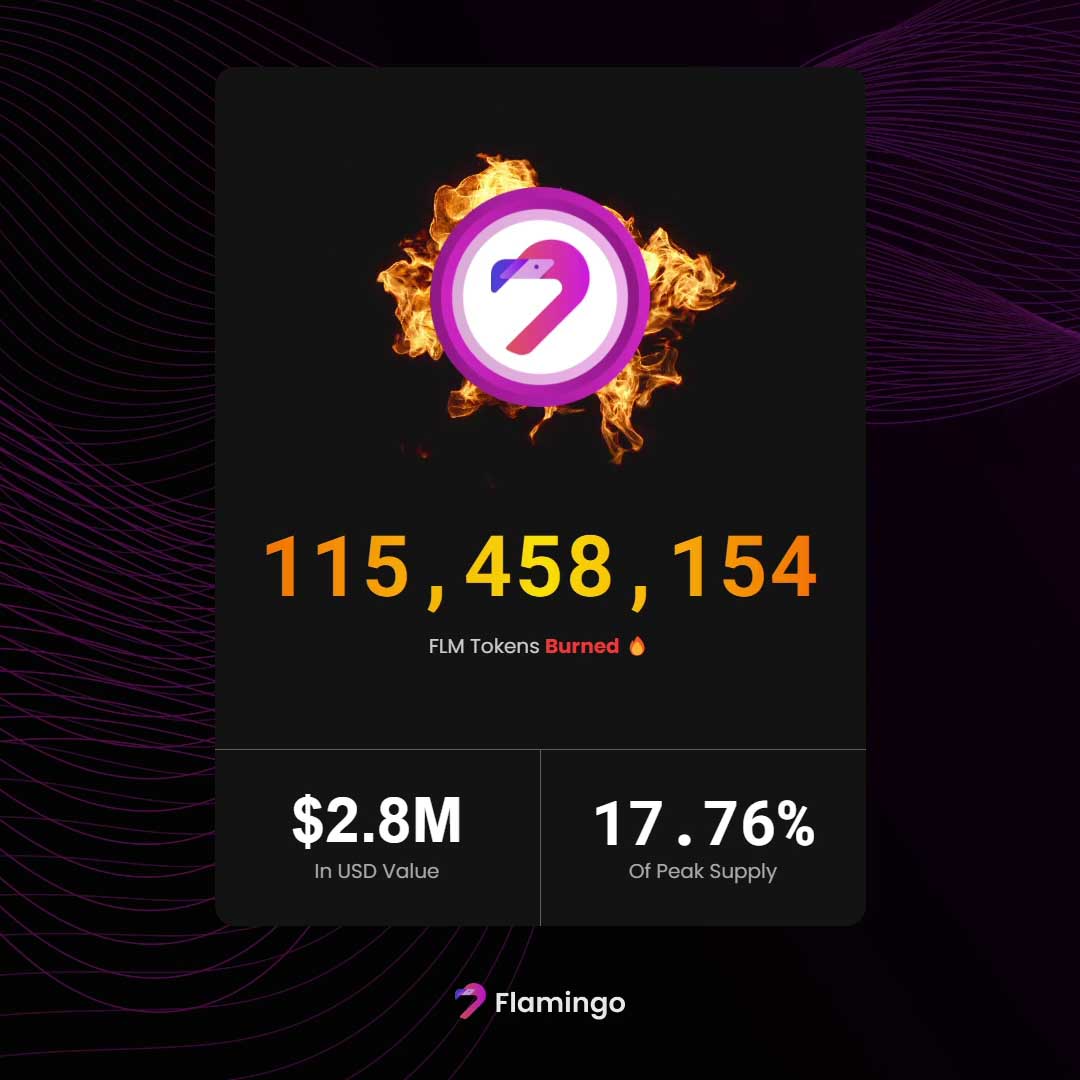
A custom Remotion-based rendering service that generates Flamingo Finance burn metric videos directly from live on-chain data. From a simple web interface, the tool bundles the Remotion project, fetches the latest FLM burn stats from the Flamingo analytics API, and renders a cinematic 1080×1080 video or GIF featuring Flamingo branding, animated flames, and real-time numbers.
Goals
- Create a one-click tool to generate branded FLM burn recap videos
- Pull live burn data directly from Flamingo's analytics API
- Design a clean, cinematic stat card composition using Remotion
- Support both MP4 and GIF export for social media and Discord
- Expose rendering as a simple web service for non-technical teammates
- Provide clear progress feedback during long renders
Problem
Manually creating on-chain recap videos is slow and inconsistent. Someone has to pull numbers from dashboards, lay them out in After Effects or a video editor, and re-do the motion graphics every time stats change. This project automates the entire process: it reads the latest FLM burn data straight from the blockchain analytics API and renders a polished, on-brand video in one click.
Links
Tech Stack
Responsibilities
- Designed and implemented the Remotion composition for the FLM burn stat card
- Built an Express-based rendering server around Remotion’s bundler and renderer APIs
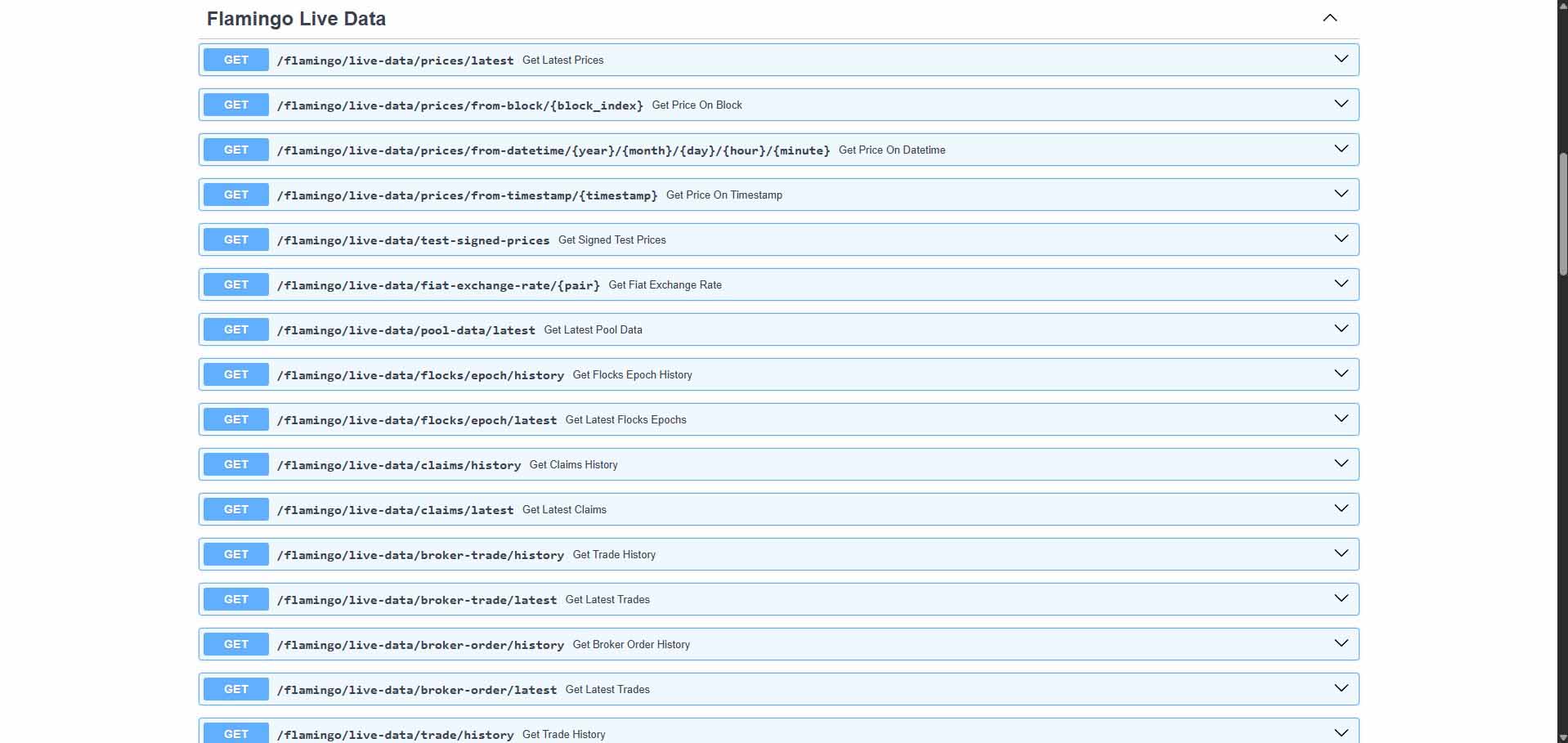
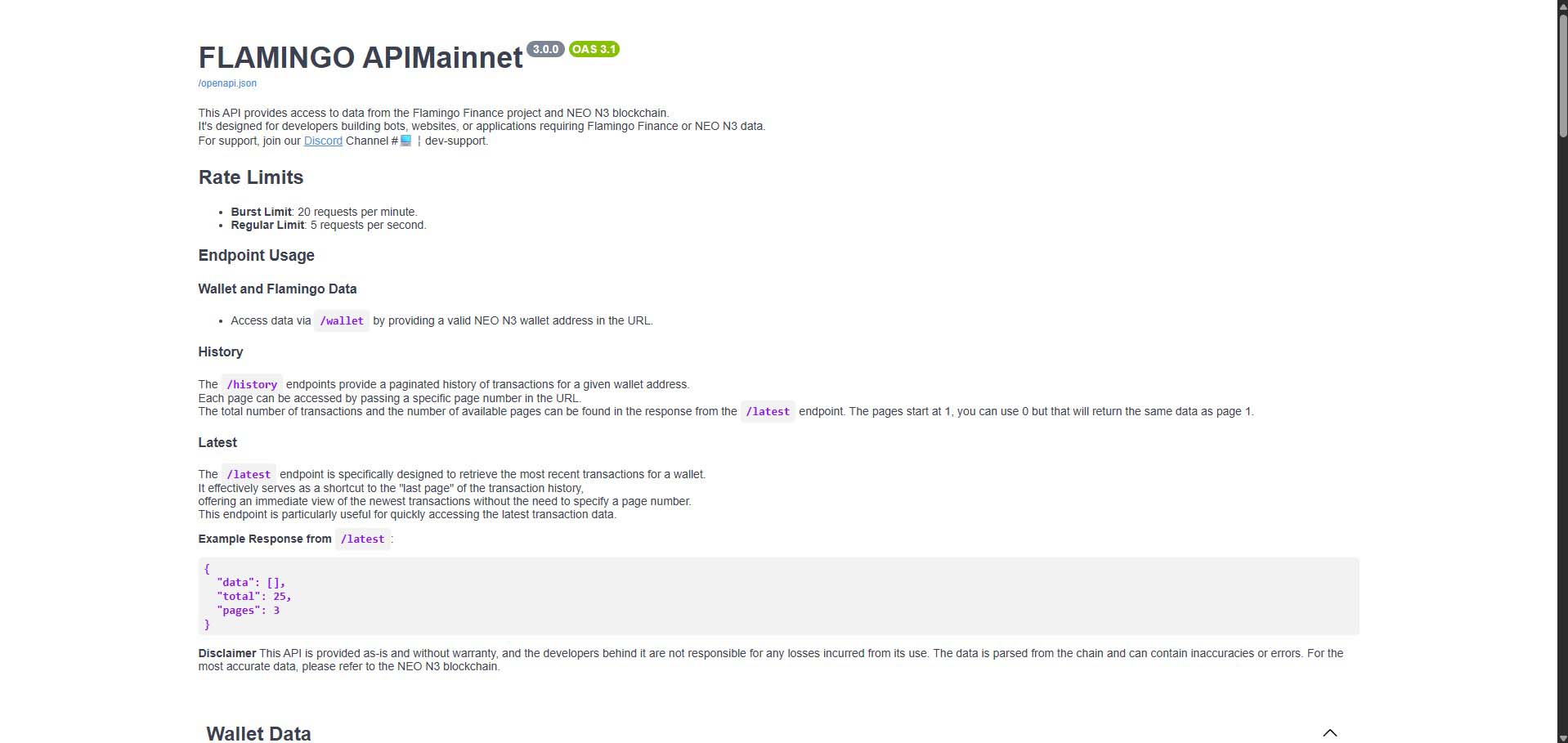
- Integrated Flamingo’s analytics endpoint to pull live FLM burn and USD value stats
- Implemented synchronous data fetching and prop wiring into the Remotion Root component
- Created a looping flame sprite animation using a sequence of PNG frames
- Built a lightweight web UI with MP4/GIF export buttons and a live progress bar
- Implemented a file-based progress tracking system and polling endpoint
- Optimized render settings (fps, CRF, codec, scaling) for fast, high-quality outputs
Timeline
1 Week
Deliverables
6
Concept: On-Chain Powered Burn Recaps
The core idea was to give Flamingo a way to generate shareable, motion-designed burn recap videos directly from live on-chain stats. Instead of manually building graphics for each milestone, the team can hit a URL, click a button, and download a fully-rendered FLM burn card with the latest total burned, USD value, and percentage of peak supply.
Data Pipeline & Flamingo Analytics Integration
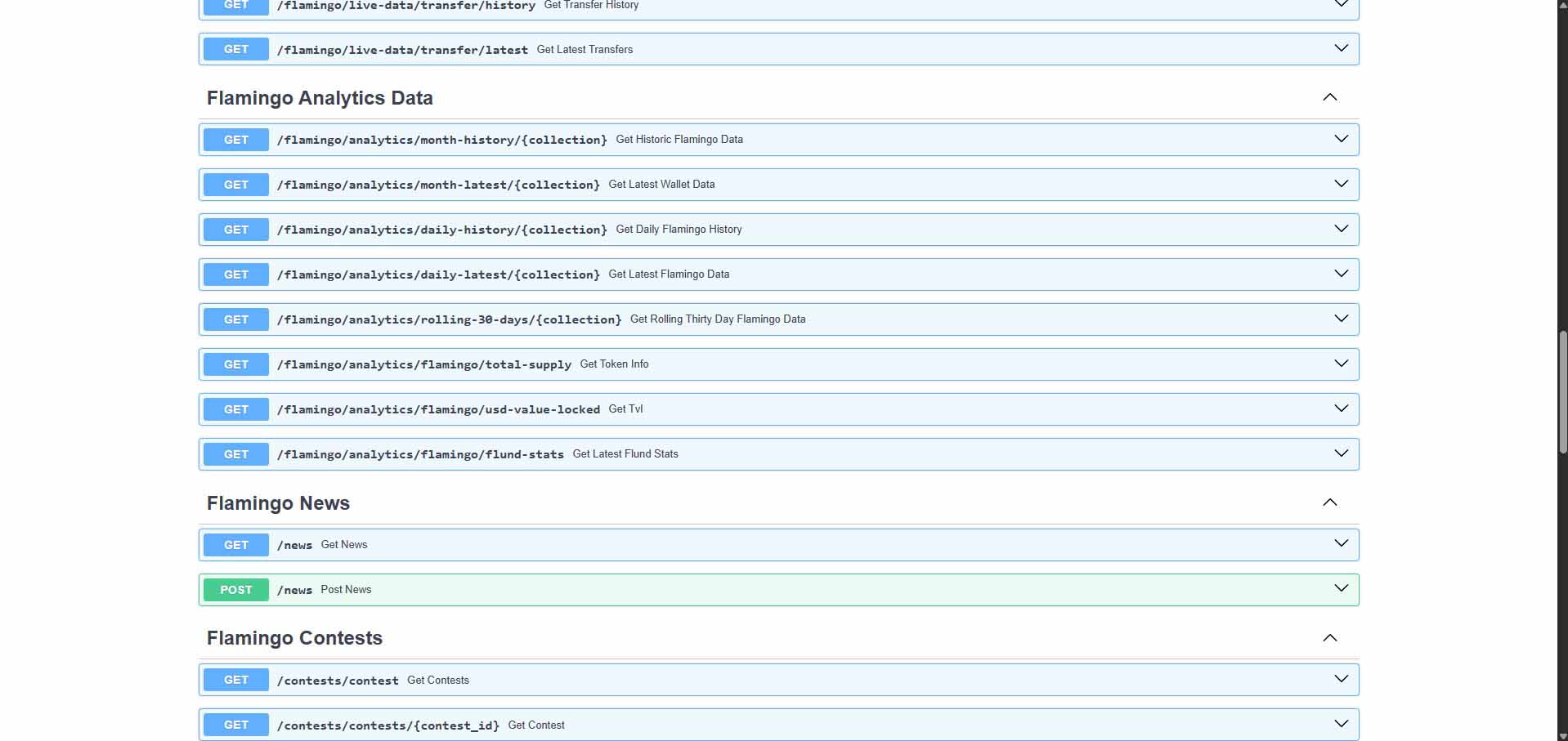
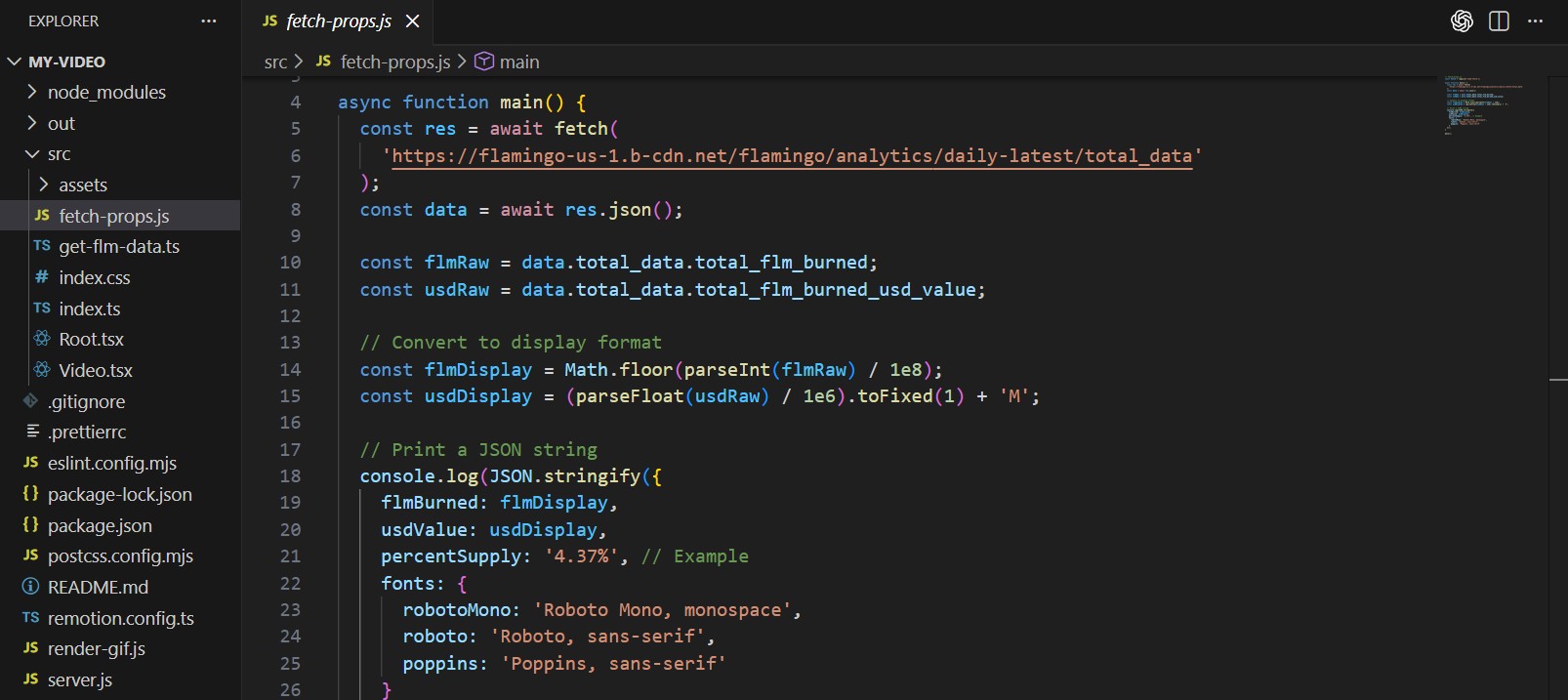
The project hooks into Flamingo’s analytics endpoint, fetching a daily summary payload that includes total FLM burned and its USD value. The service converts on-chain units into human-readable numbers: FLM is normalized from base units, USD values are formatted into 'XM' notation, and a percentage of peak supply is computed. These values are then passed into Remotion as props so every frame reflects live on-chain data without any manual input.
Remotion Composition & Visual Design
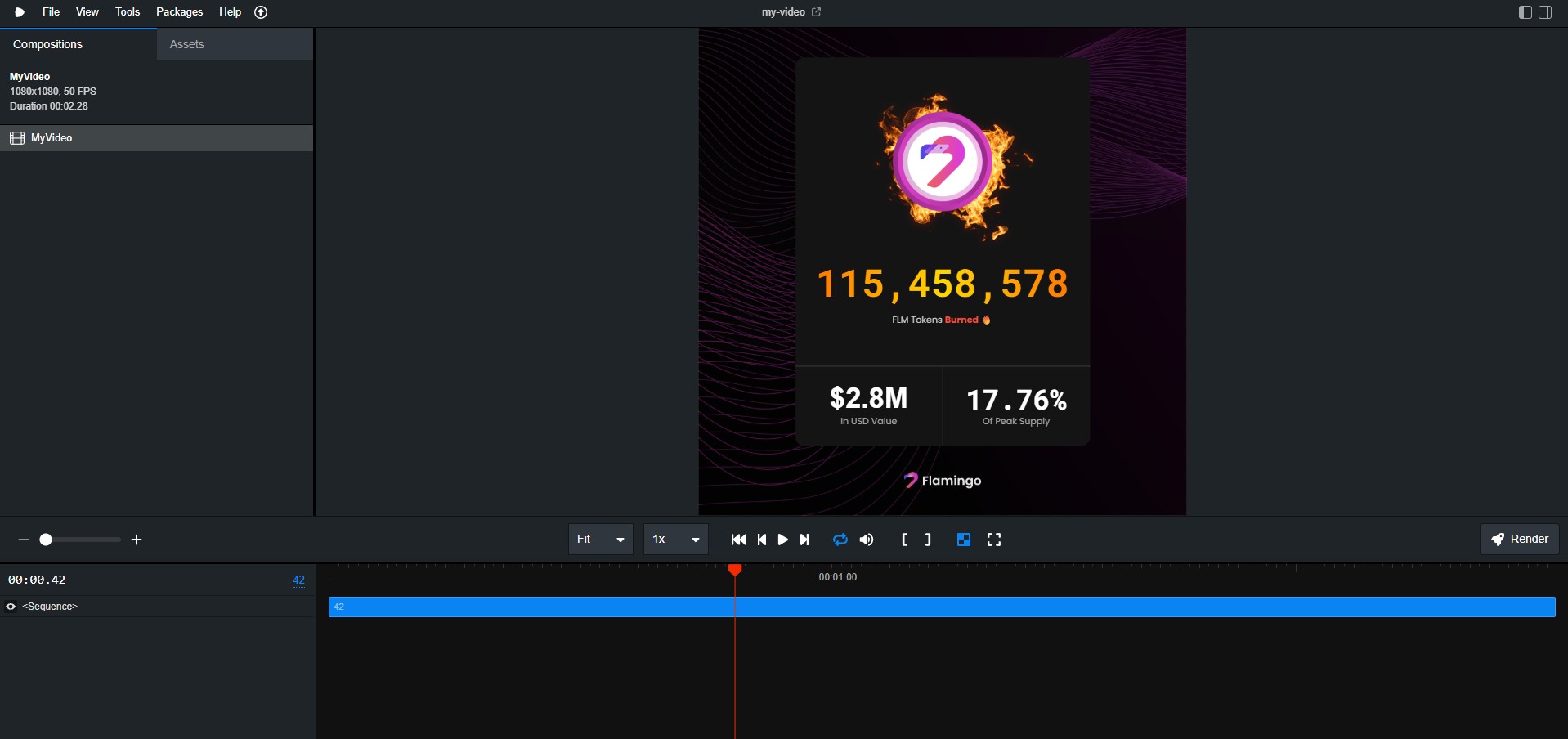
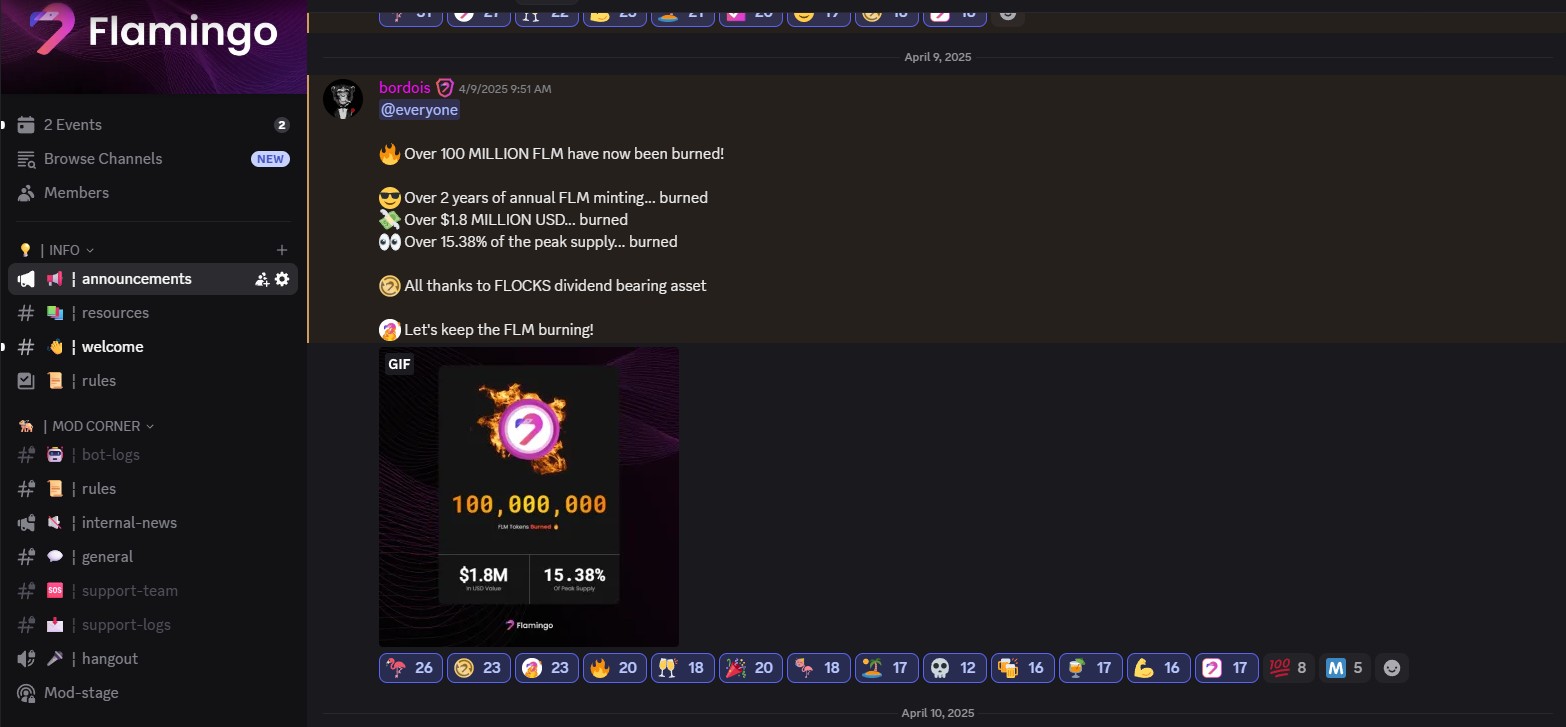
Visually, the composition is a cinematic stat card anchored in Flamingo’s dark branding. A full-screen background anchors the piece, with a central card that showcases the FLM token, a looping flame animation, and large typographic stats. The main headline displays the total FLM burned in bold monospace type, supported by USD value and percentage of supply in a split bar at the bottom. Everything is laid out with pixel-perfect alignment, subtle borders, and a clean, modern hierarchy that feels like a premium on-chain dashboard rendered as a video.
Rendering Service & Progress Tracking
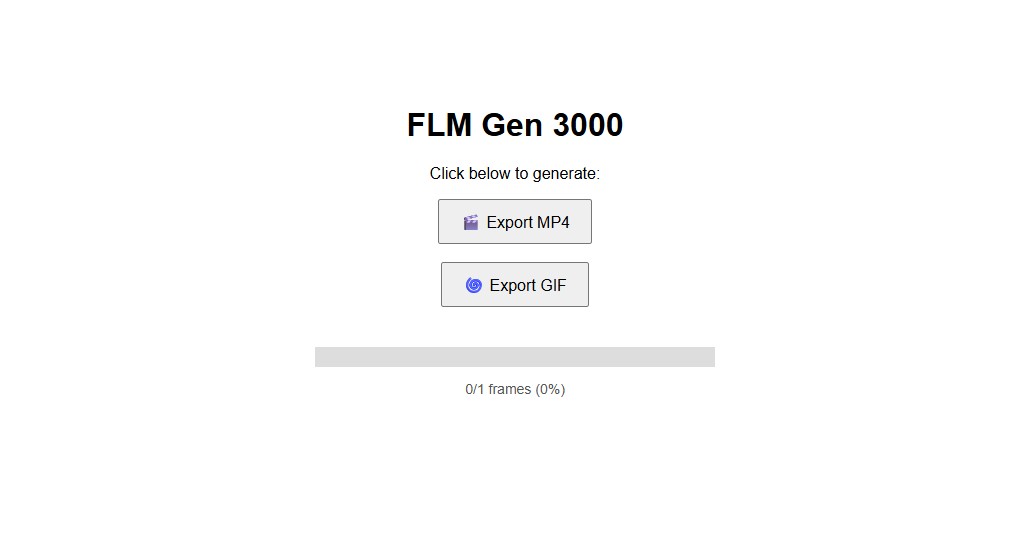
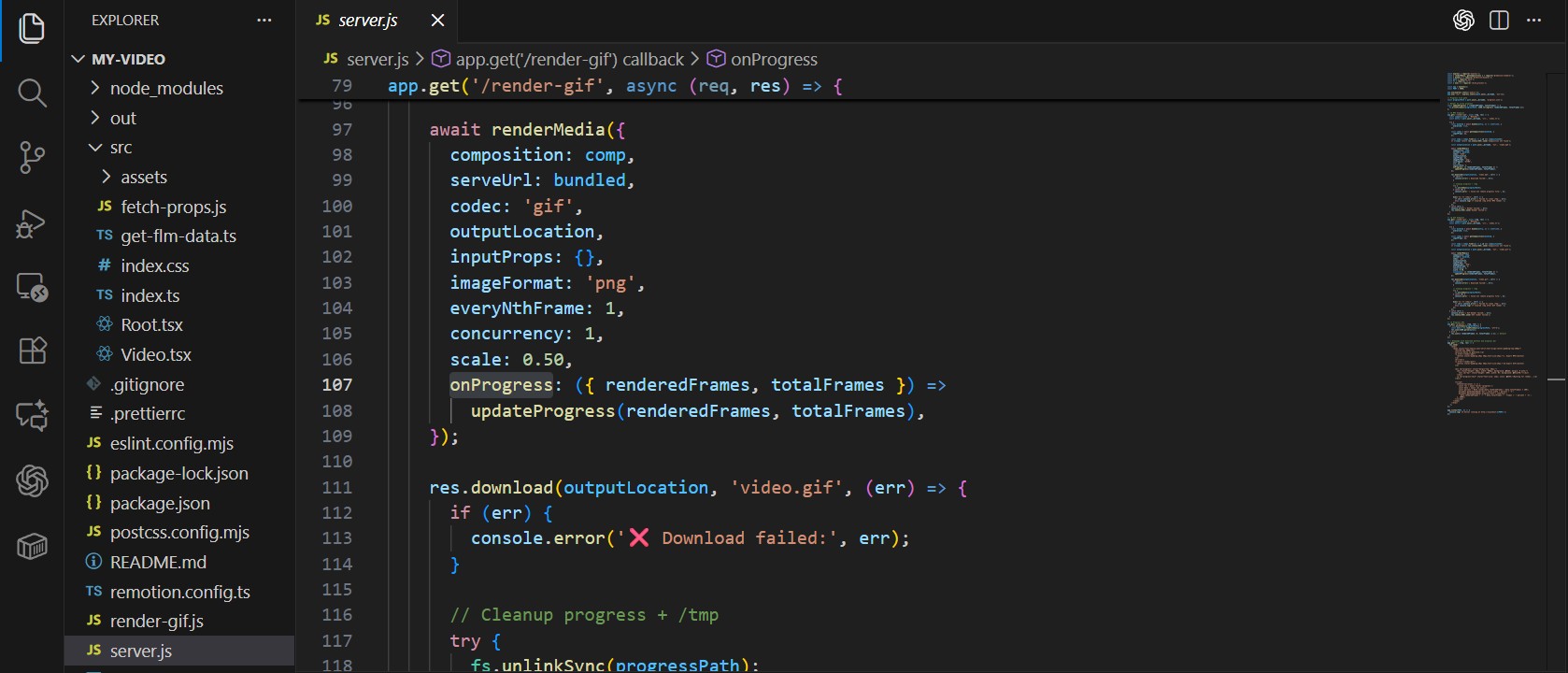
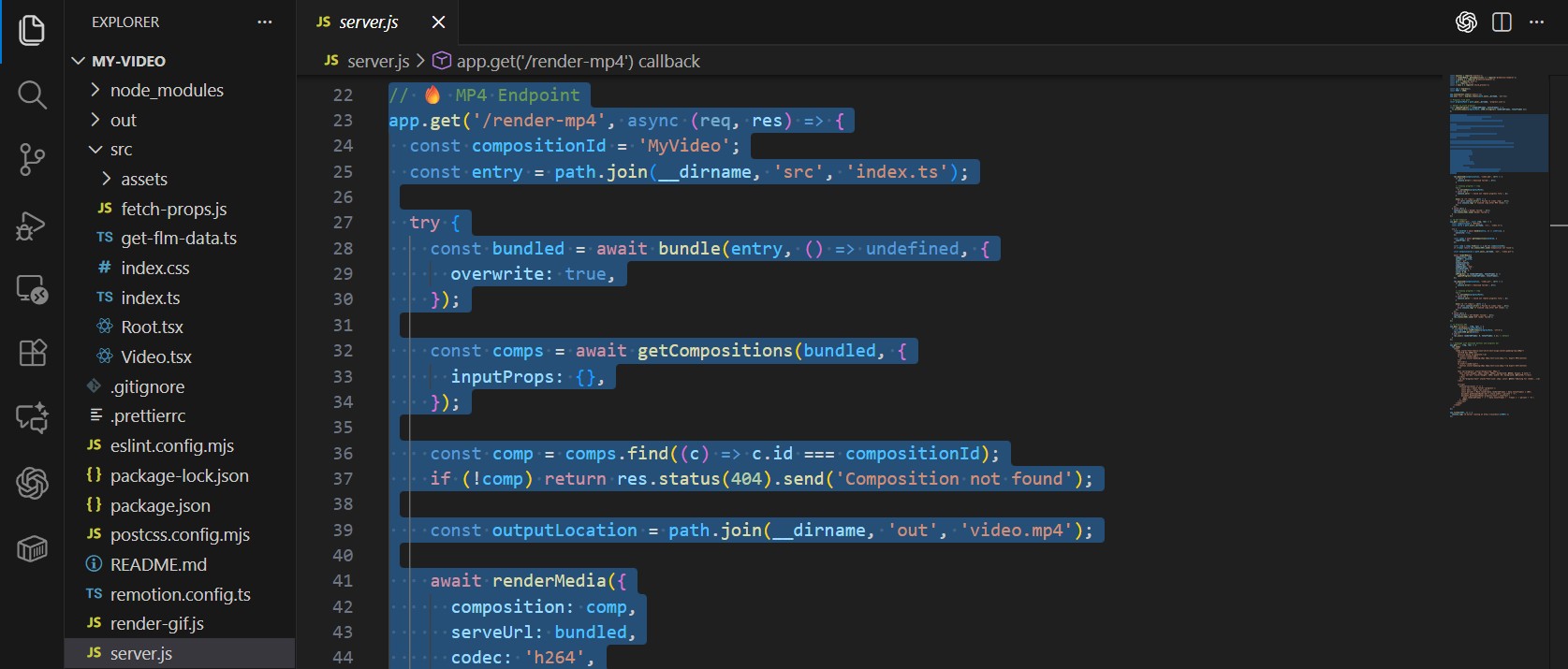
Under the hood, the Node.js server bundles the Remotion project, discovers the 'MyVideo' composition, and then renders it to MP4 or GIF using Remotion’s renderer API. During rendering, an onProgress callback writes frame counts to a JSON file, which the front-end polls via a /progress route. This allows non-technical users to see real-time feedback like '42 / 128 frames (32.8%)' while the render is in progress, making the tool feel responsive and reliable even on longer jobs.
MP4 & GIF Export for Social Channels
The service exposes two routes: /render-mp4 and /render-gif. The MP4 path renders a full-resolution 1080×1080 H.264 file with tuned CRF settings for social media, while the GIF path uses a scaled-down export optimized for Discord or quick previews. Both routes share the same composition and data pipeline, which means any visual change in the Remotion project automatically propagates to both output formats.
CLI & Automation Ready
Beyond the web UI, the project includes a small fetch-props script that outputs the same FLM metrics as a JSON object. This makes the setup compatible with the Remotion CLI, allowing scripted rendering runs or integration into future automated pipelines. For example, marketing could trigger a nightly or weekly render with cron and auto-post updated burn recap videos on Flamingo’s channels.
Impact for Flamingo's Content Pipeline
The generator turns a multi-step manual process into a repeatable, one-click workflow. Instead of recreating dashboards or motion graphics each time FLM burn stats are updated, the team can generate a new video in minutes. It keeps visuals consistent, numbers accurate, and makes it easy to celebrate milestones with high-quality content that feels tightly integrated with the Flamingo brand.
Media Gallery
Builder Notes
Fetches live FLM burn data and USD value directly from Flamingo’s analytics endpoint
Fetches live FLM burn data and USD value directly from Flamingo’s analytics endpoint
Automatically computes and displays percentage of peak FLM supply burned
Automatically computes and displays percentage of peak FLM supply burned
Built with Remotion for a fully code-driven motion graphics workflow
Built with Remotion for a fully code-driven motion graphics workflow
Includes a looping flame sprite animation layered on top of the card
Includes a looping flame sprite animation layered on top of the card
Exposes MP4 and GIF export endpoints for different social use cases
Exposes MP4 and GIF export endpoints for different social use cases
Implements file-based progress tracking and a /progress API endpoint
Implements file-based progress tracking and a /progress API endpoint
Includes a CLI-friendly props script for automated rendering pipelines
Includes a CLI-friendly props script for automated rendering pipelines
Designed as an internal Flamingo tool but flexible enough to extend to other metrics
Designed as an internal Flamingo tool but flexible enough to extend to other metrics